Solid Site Studios

Add what your business needs next.

Explore Growth Hub add-ons grouped by business problem: capture leads, follow up, get found, run campaigns, create content, close more work, and operate better.

Premium websitesCRMSEOAdsSafe automation
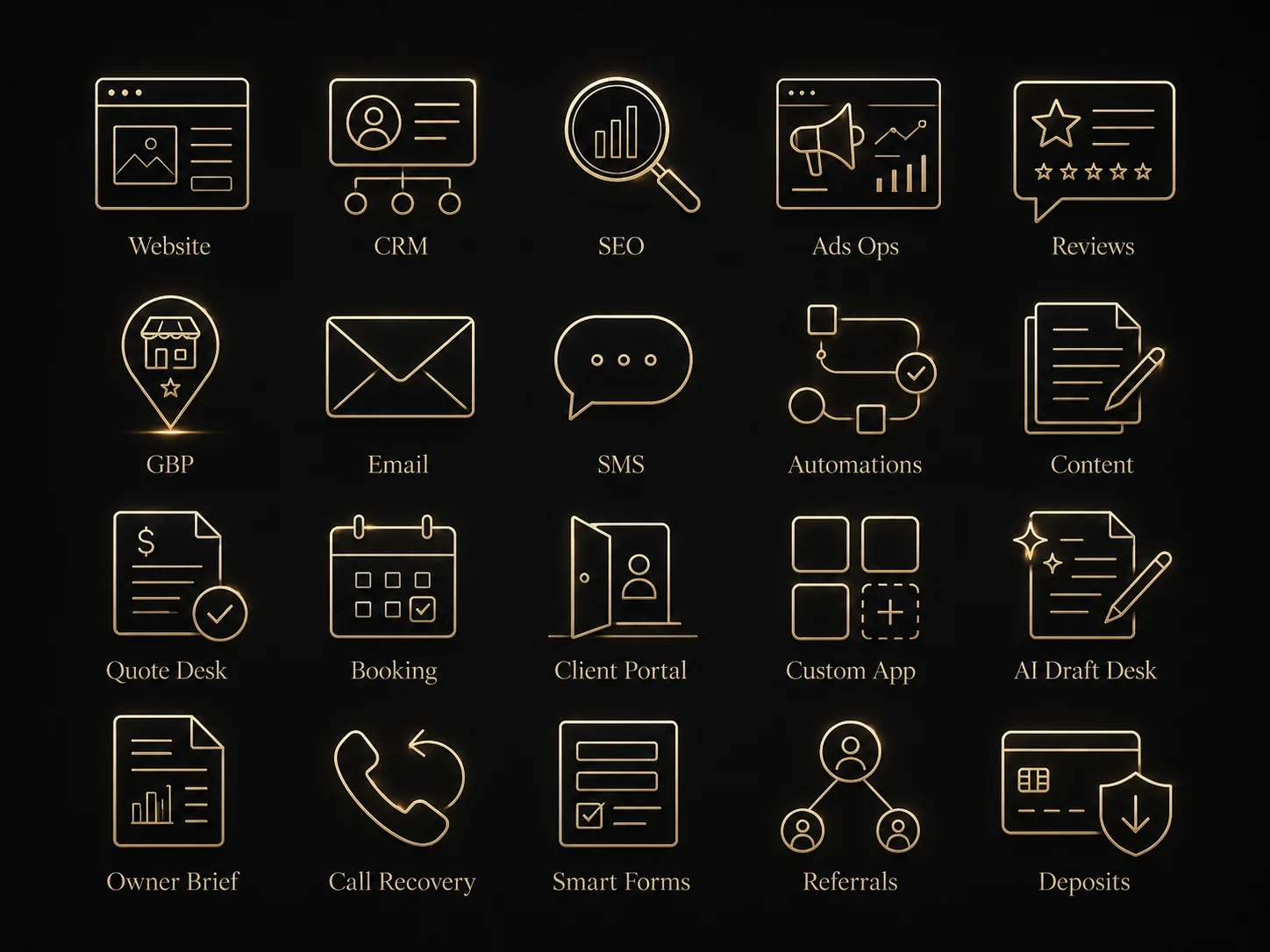
Cohesive Growth Hub module icon set in a premium gold and ivory line style.

Growth Hub add-ons

The page intent is preserved in the new structure.

Add-ons are grouped by business problem so the owner can start with the website and choose the next useful module without getting buried in a self-serve configurator.

Choose by problem

Add what the business needs next.

Each add-on is scoped as a practical service-backed upgrade. The right order usually starts with the website, then lead tracking, then visibility, follow-up, campaigns, content, quoting, or custom operations.

Capture & Track Leads

Premium Website, CRM Core, and Smart Forms make the inquiry easier to capture and easier to follow.

Follow Up & Stay in Touch

Call Recovery and permission-aware Email/SMS reduce missed opportunities.

Get Found & Build Trust

SEO, GBP, Reputation, and Referral Engine strengthen search, proof, reviews, and trust.

Run Better Campaigns

Ads Ops connects landing pages, tracking, and owner-approved campaign moves.

Create Content

Content Desk keeps blogs, proof, service explainers, and social drafts useful.

Close More Work

Quote Desk, Booking Desk, and Deposit Flow make the next step clearer after buyer interest.

Operate Better

Owner Brief, Automations, Client Portal, Custom App, and AI Owner Assistance support internal clarity and repeatable workflows.

Scope discipline

No inflated all-in-one promise.

Add-ons use starting-at or custom-scope language because every business has different fields, rules, providers, permissions, and approval needs.

Best fit first

Each module is matched to a real business problem before it is recommended.

Recommended sequence

The module order protects the buyer path: website, capture, track, follow up, market, close, then automate.

Approval boundary

Messaging, ads, automation, payments, and custom apps are reviewed before sensitive actions go live.

Do I need every add-on?

No. Most businesses start with the website and add only what solves the next real problem.

How are add-ons priced?

Some can use starting-at language after discovery. More complex CRM, app, automation, or campaign work gets a custom written scope.

Growth Hub add-ons

Choose by business problem.

Each module is a practical upgrade on top of the website, not generic software. The website remains the entry point.

Capture & Track Leads

Turn website interest into organized lead records and useful follow-up context.

Start here

Premium Website

Gives the business a serious first impression and a clear quote path.

Best fit
Owners who need the website fixed before layering on bigger growth systems.
Scope
Starter Website begins at $850; larger builds use written scope.
Sequence
Step 1

Lead control

CRM Core

Keeps website leads from disappearing into email, texts, or memory.

Best fit
Businesses getting form leads that need simple status tracking and follow-up notes.
Scope
Custom scope based on fields, users, imports, and reporting needs.
Sequence
Step 2

Lead intake

Smart Forms

Turns vague messages into usable quote requests.

Best fit
Service businesses that need photos, service type, location, timing, or budget details.
Scope
Usually added with the website or CRM Core.
Sequence
Early add-on

Follow Up & Stay in Touch

Reduce missed opportunities with callback paths, permission-aware messaging, and practical reminders.

Missed lead control

Call Recovery

Creates a practical recovery path for leads that almost slipped away.

Best fit
Owners who miss calls during jobs, appointments, installs, or busy field work.
Scope
Custom scope based on call source and follow-up process.
Sequence
After CRM Core

Follow-up

Email / SMS

Keeps interested leads and past clients from going cold.

Best fit
Businesses with clean opt-in proof, service reminders, estimate follow-ups, or review requests.
Scope
Custom scope; messaging requires consent and provider approval where applicable.
Sequence
After consent review

Get Found & Build Trust

Strengthen local visibility, proof, reviews, and Google profile alignment.

Visibility

SEO + Local Visibility

Builds useful, crawlable pages around real services and buyer questions.

Best fit
Owners who need more qualified local search visibility after the website foundation is clean.
Scope
Starting-at or monthly scope depends on service areas, content depth, and competition.
Sequence
After site structure

Local trust

Google Business Profile

Makes the public profile support the same offer the website is selling.

Best fit
Local service businesses where maps, reviews, and service-area trust matter.
Scope
Custom setup or care add-on depending on current profile state.
Sequence
Pair with SEO

Trust

Reputation Engine

Turns reviews, proof, and testimonials into useful trust signals.

Best fit
Businesses with happy customers but scattered or underused proof.
Scope
Custom scope based on proof sources and review workflow.
Sequence
Pair with SEO or care

Trust growth

Referral Engine

Turns finished work into the next trust signal.

Best fit
Businesses with repeat clients, referrals, or service moments where asking at the right time matters.
Scope
Custom scope based on contact consent and follow-up path.
Sequence
After reputation setup

Run Better Campaigns

Connect traffic, landing pages, tracking, and owner decisions before spend gets larger.

Traffic

Ads Ops

Connects ad traffic to a stronger landing page and clearer lead tracking.

Best fit
Owners running Google or Meta ads who need landing pages, attribution, and practical decisions.
Scope
Custom scope; ad spend and full ad management are separate from website care.
Sequence
After tracking

Create Content

Keep blogs, proof, social drafts, and service explainers connected to buyer questions.

Content

Content Desk

Keeps content useful instead of random posts that do not support sales.

Best fit
Businesses that need blogs, proof updates, service explainers, or social drafts tied to the site.
Scope
Monthly or custom content scope based on frequency and approval flow.
Sequence
After service pages

Close More Work

Make quote, booking, and deposit steps clearer after the buyer raises their hand.

Sales workflow

Quote Desk

Makes quoting cleaner from first request to follow-up.

Best fit
Contractors and service teams that need scope details before giving a serious estimate.
Scope
Custom scope based on estimate process, fields, photos, and owner review.
Sequence
After Smart Forms

Scheduling

Booking Desk

Reduces back-and-forth when the buyer is ready to move.

Best fit
Businesses with appointment windows, rentals, consultations, events, or service slots.
Scope
Custom scope after booking rules are mapped.
Sequence
After intake map

Payment step

Deposit Flow

Adds a cleaner next step after a buyer says yes.

Best fit
Businesses that take deposits, retainers, event holds, rentals, or scheduled service payments.
Scope
Custom scope; payment provider rules and approvals are handled before launch.
Sequence
After quote or booking flow

Operate Better

Add reporting, custom tools, AI draft support, portals, and safe automations as workflows mature.

Clarity

Owner Brief

Shows what changed, what matters, and what needs the owner’s decision.

Best fit
Care-plan clients and owners who want useful monthly clarity without dashboard overload.
Scope
Included or quoted depending on care plan and data sources.
Sequence
Care bridge

Workflow

Automations

Reduces repetitive work without removing the owner from important decisions.

Best fit
Businesses with a repeatable process that has already been mapped manually.
Scope
Custom scope with approval gates before sensitive sends or actions.
Sequence
After workflow proof

Client access

Client Portal

Moves recurring client communication into a clearer place.

Best fit
Businesses with repeat clients, documents, progress updates, or private service information.
Scope
Custom app scope with access, privacy, and content rules defined first.
Sequence
Advanced add-on

Advanced

Custom App

Builds the tool around the business process instead of forcing a generic platform.

Best fit
Businesses with a proven workflow that deserves a custom internal or customer-facing tool.
Scope
Custom quoted after discovery, schema, permissions, and launch path are clear.
Sequence
Advanced add-on

Draft support

AI Owner Assistance

Speeds up decisions and drafts while keeping the owner in control.

Best fit
Owners who want clearer next moves, draft support, and safe review before anything public is sent.
Scope
Custom scope; sensitive actions stay approval-gated.
Sequence
After data path is clear

Where does this start?

With the website. The right tools are added next based on the business.

Is everything automatic?

No. Sensitive actions use owner approval and clear rules.

Request a Quote

Tell us what you need now and what you may want later.

The website is the entry point. Growth Hub can expand from there.

The first question keeps the immediate project simple. The second shows which modules may be worth planning for later.

What might you want later?

Optional. Check only what may be worth exploring after the website foundation is clear.